
Announcements
Your organization sends you announcements and events: internal notices, training sessions, company events. Some ask you to confirm that you have read them.
How to read an announcement
Section titled “How to read an announcement”-
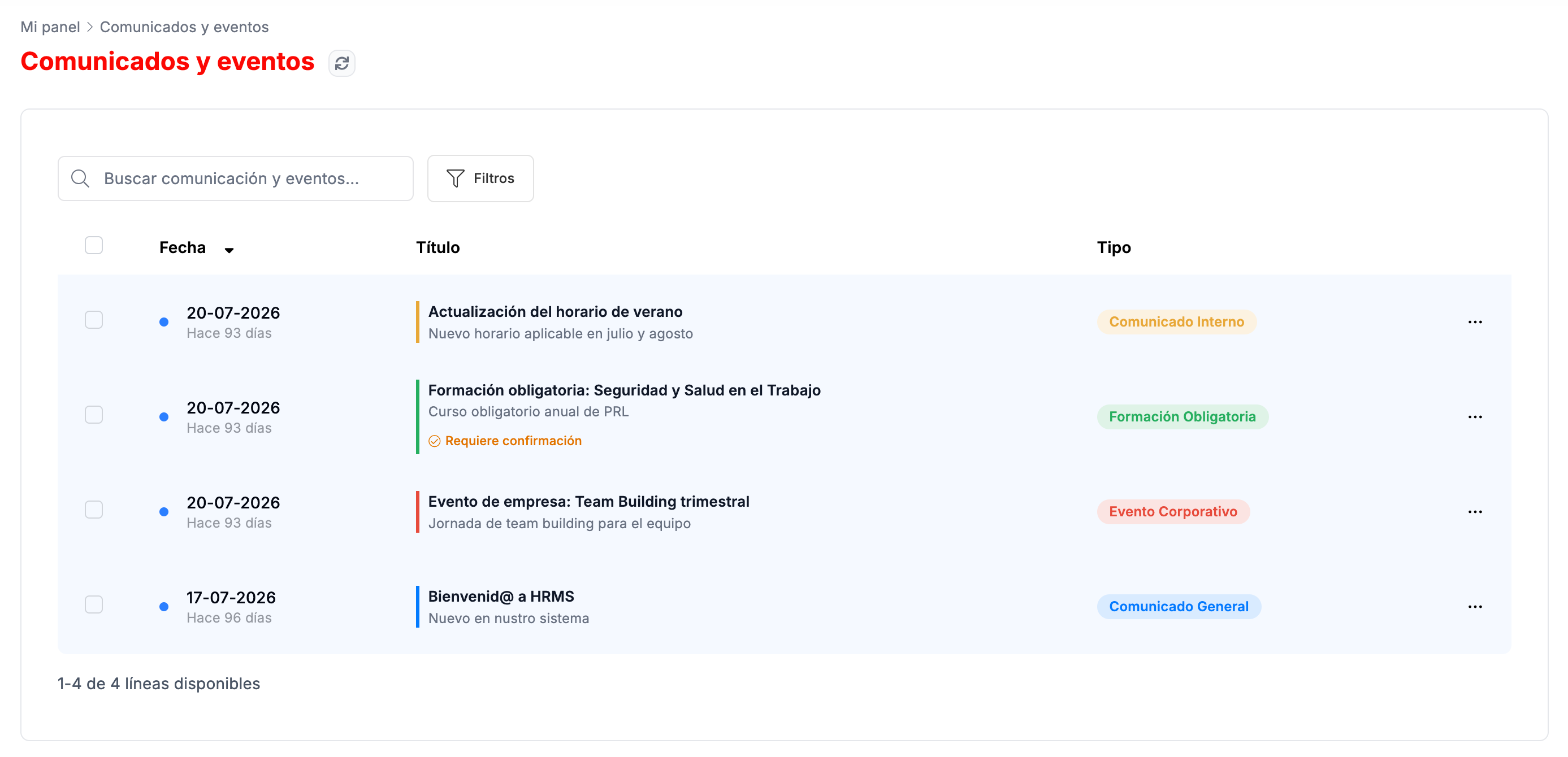
Go to Mi Panel › Comunicados y eventos. The list goes from the most recent to the oldest, with the date, the title and the type, for example Comunicado Interno (Internal announcement), Formación Obligatoria (Mandatory training) or Evento Corporativo (Corporate event). Those that ask for confirmation show Requiere confirmación (Requires confirmation).
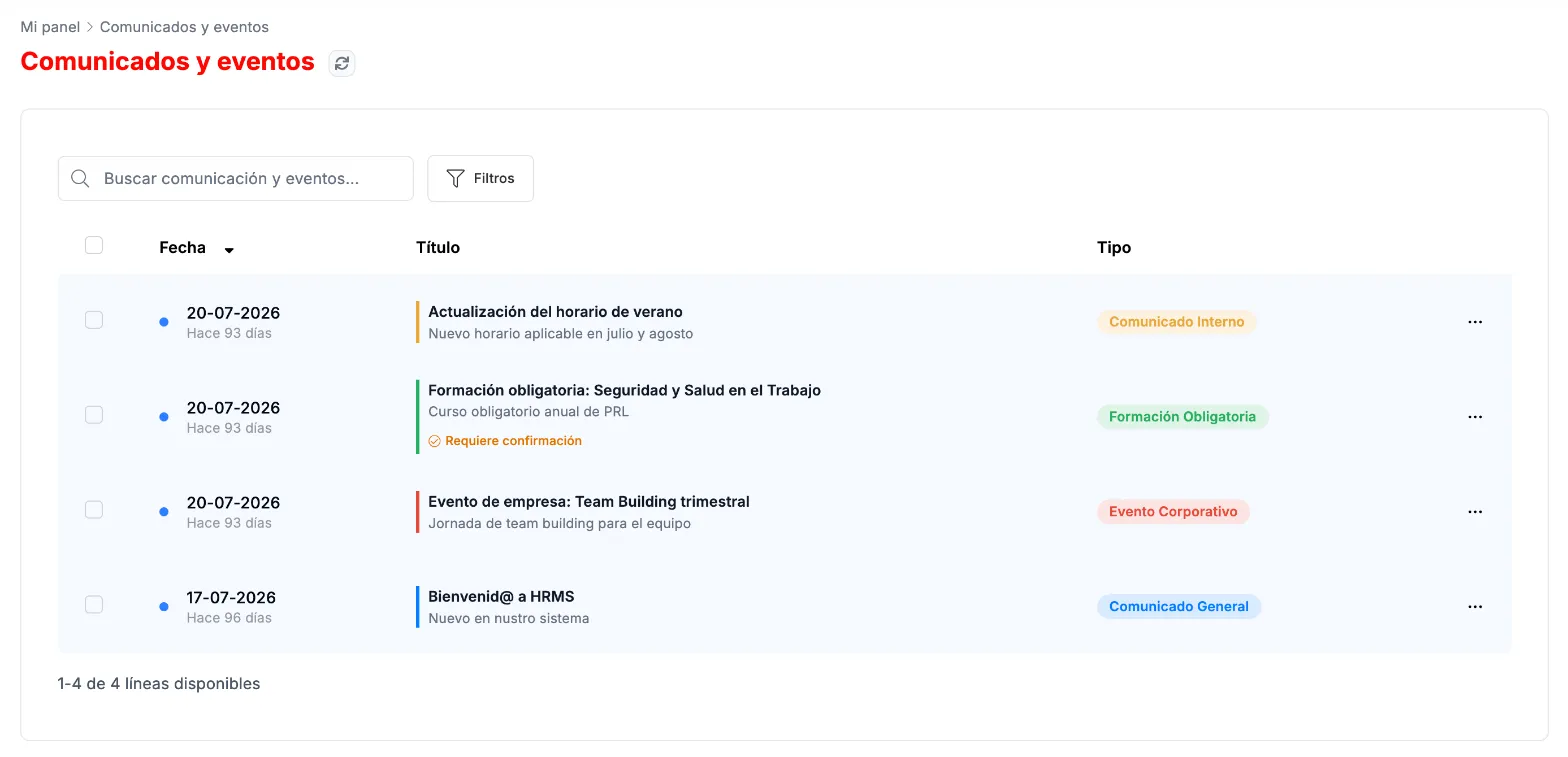
Announcements and events, from the most recent to the oldest. -
In the ⋯ menu of each announcement, click Ver detalle (View details). The same menu has Marcar como leído (Mark as read).
-
In the details you see the content, who published it and when. With ¿Te ha resultado útil? (Was this helpful?) you can rate it.
How to confirm an announcement
Section titled “How to confirm an announcement”-
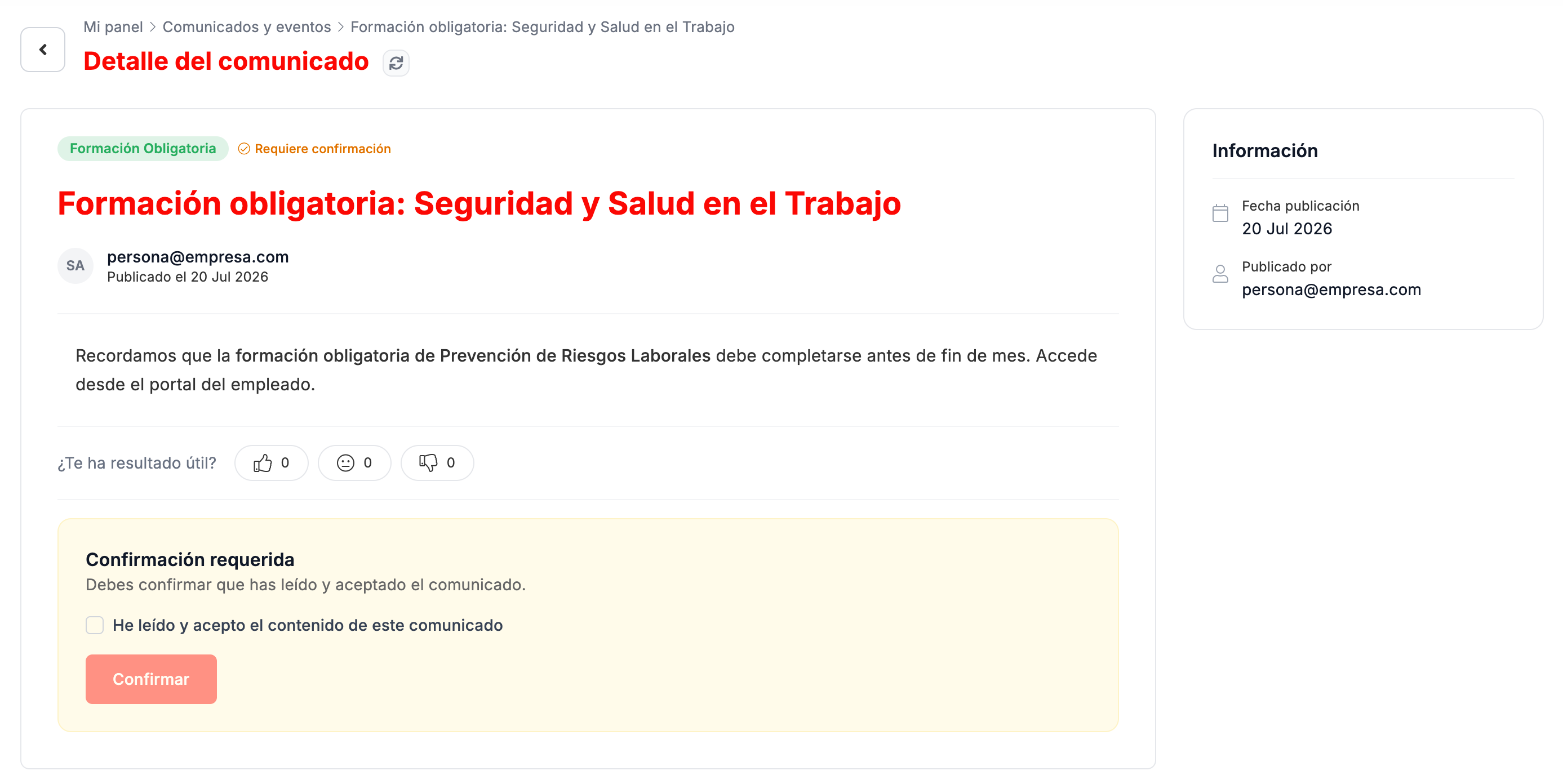
Open the announcement. If it asks for confirmation, at the end you will see the Confirmación requerida (Confirmation required) box.
-
Check He leído y acepto el contenido de este comunicado (I have read and accept the content of this announcement) and click Confirmar (Confirm).
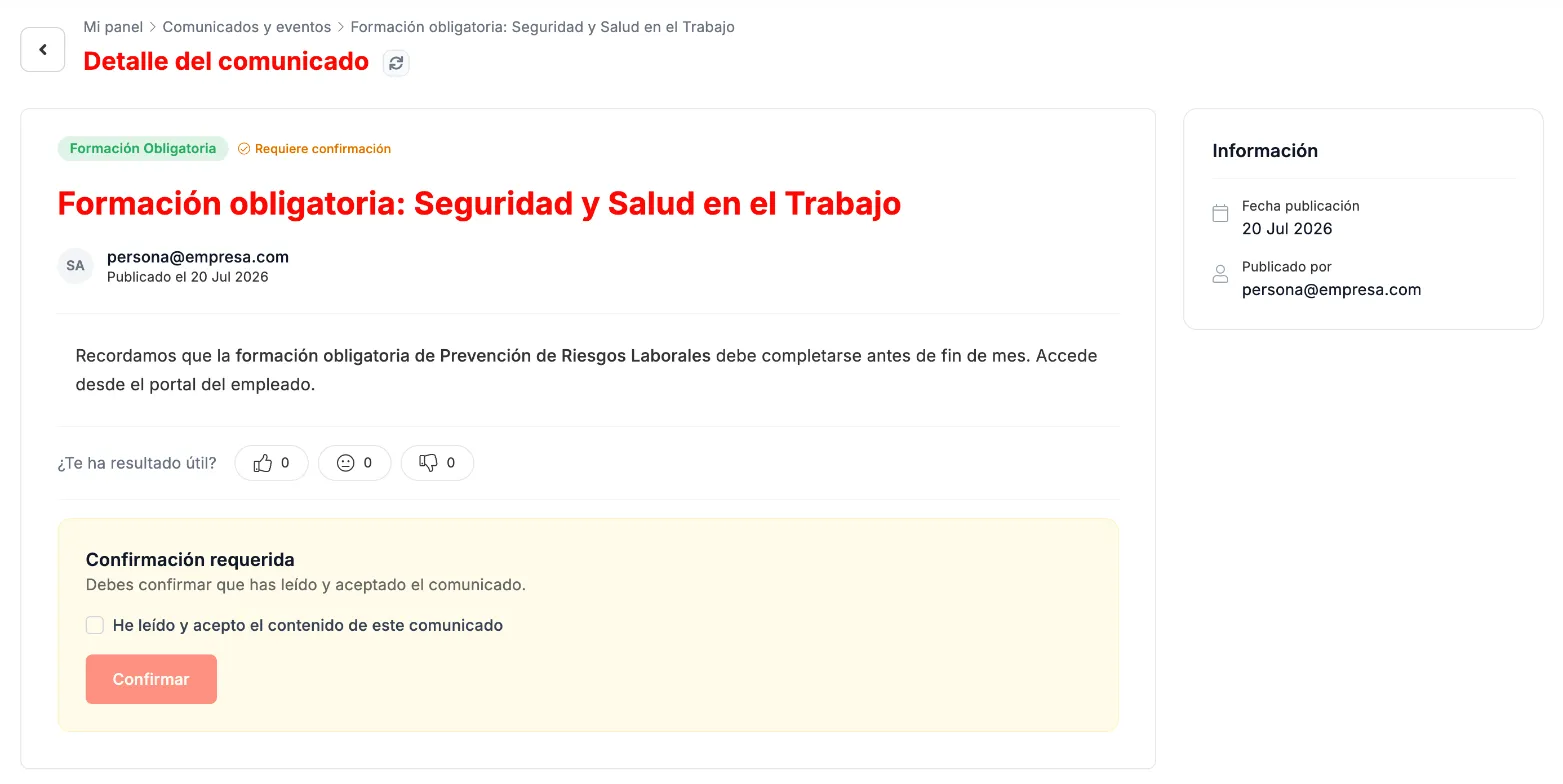
An announcement that asks for read confirmation.
Troubleshooting
Section titled “Troubleshooting”- An announcement still shows Requiere confirmación. Open it, check the box in the Confirmación requerida box and click Confirmar.