
Payslips and income tax certificates
Here you view your payslips and your IRPF withholding certificates, with the history of each.
How to view your payslips
Section titled “How to view your payslips”-
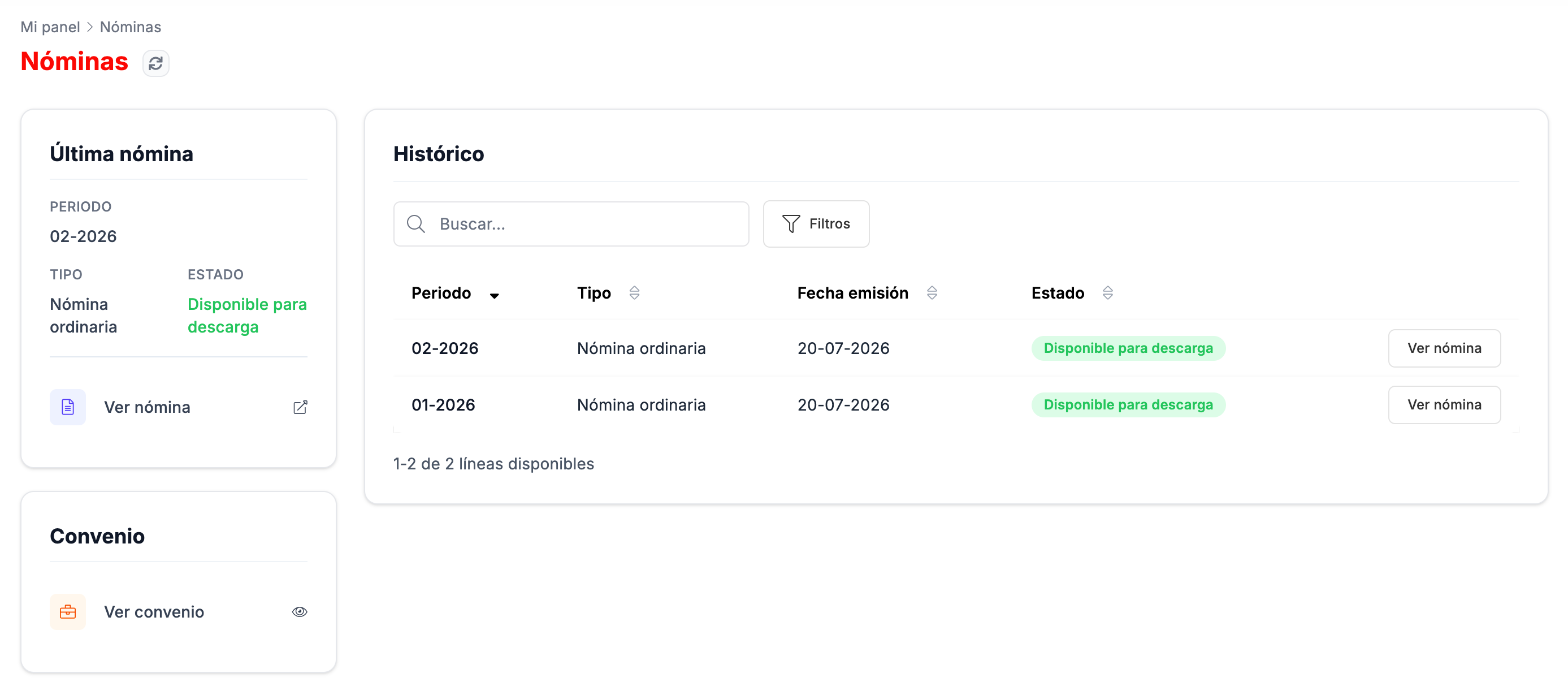
Go to Mi Panel › Nóminas. On the left you have your latest payslip and the Ver convenio (View agreement) link; on the right, the history, with the period, type, issue date and status of each one.
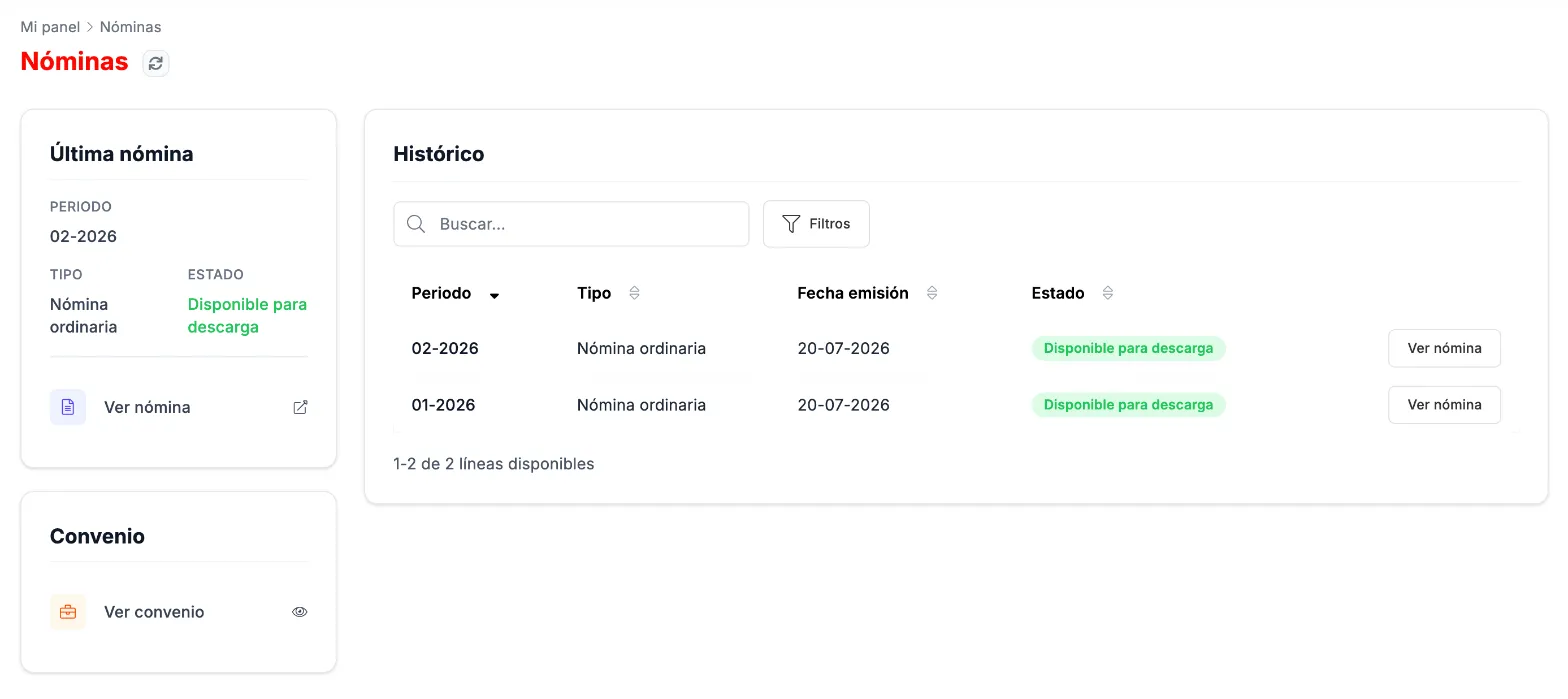
Payslips: the latest one and the history. -
Click Ver nómina (View payslip) on the one you want.
How to view your income tax certificates
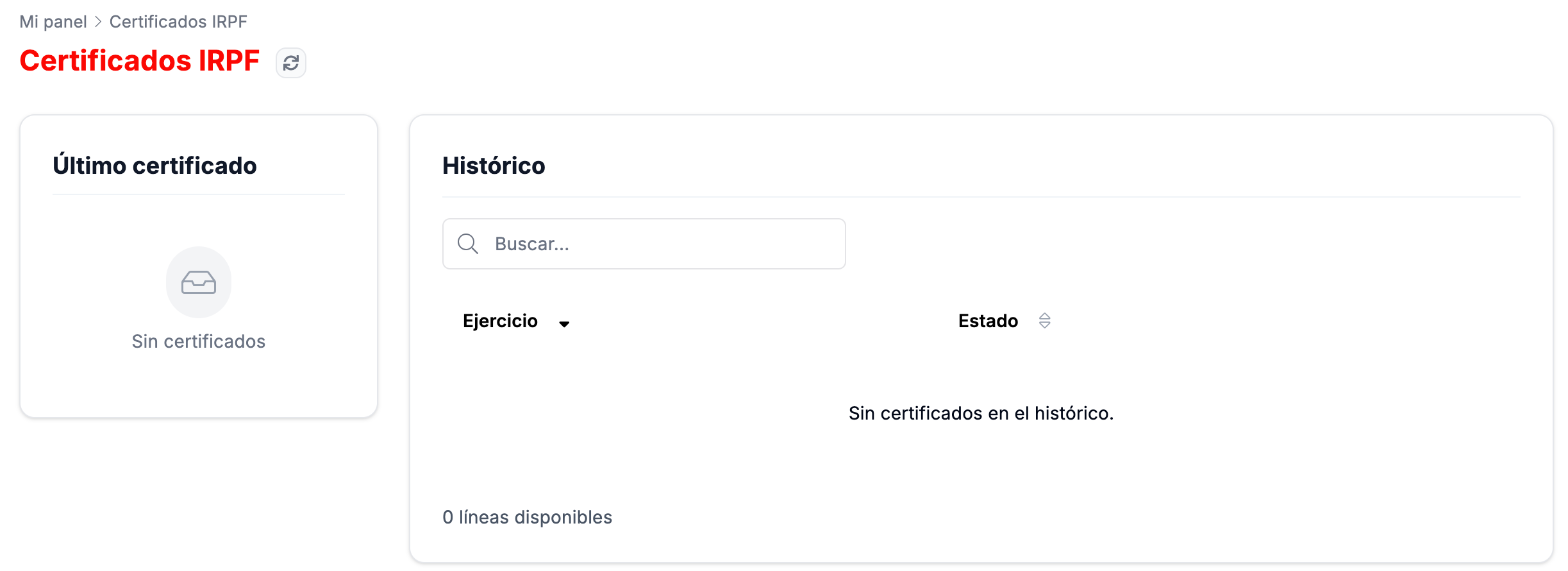
Section titled “How to view your income tax certificates”Go to Mi Panel › Certificados IRPF. On the left you have your Último certificado (Latest certificate); on the right, the Histórico (History) by tax year, with its status. If you do not have any yet, you will see Sin certificados (No certificates).
Related
Section titled “Related”My documentsThe documents HR sends you and your contract.
My detailsYour personal and employment details.