First access to the portal
The employee portal is your space in CLOUD HRMS: your details, your requests, your documents and your working hours. You sign in from your organization’s sign-in page.
How to sign in to the portal
Section titled “How to sign in to the portal”-
Open your organization’s portal address. You will see the sign-in page.
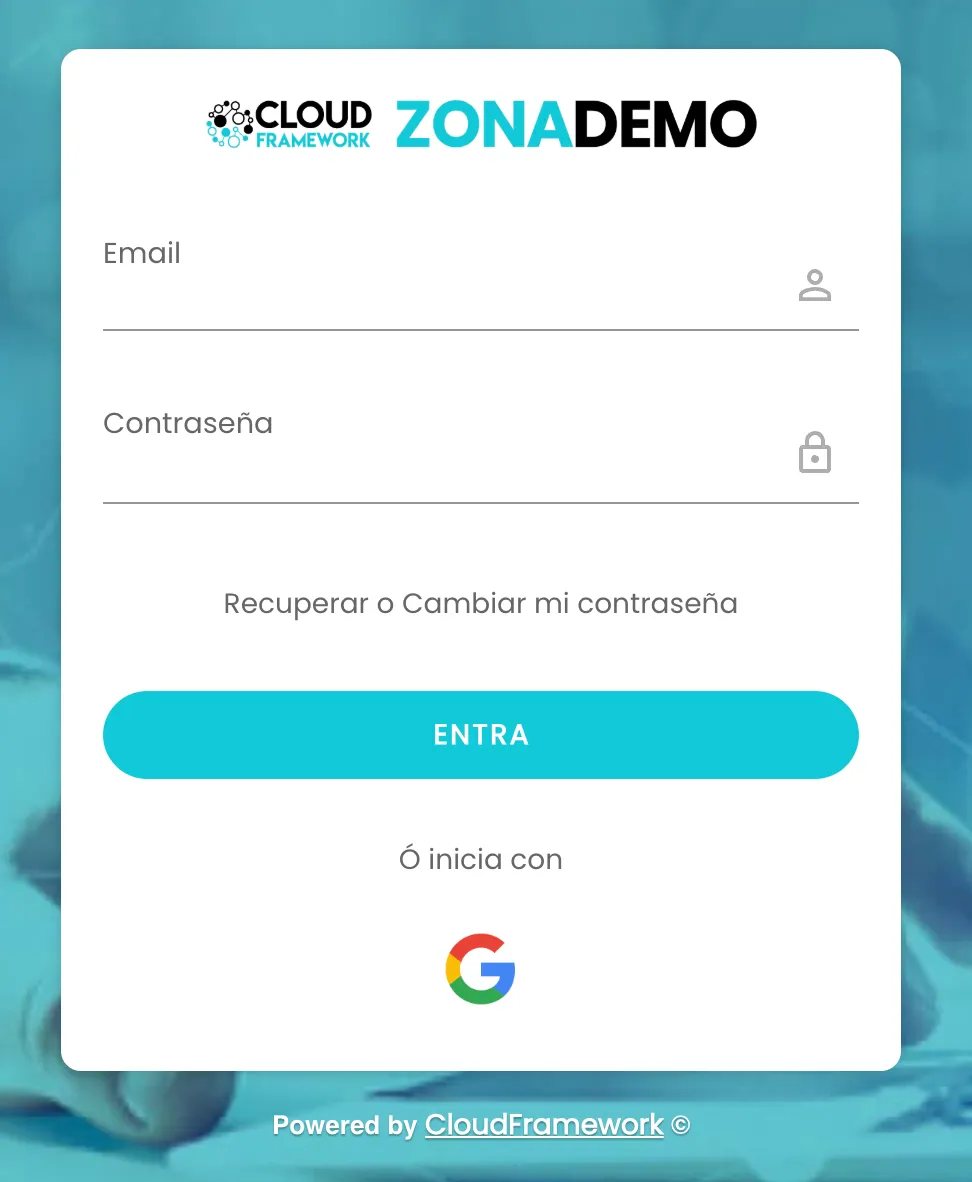
The sign-in page. -
Enter your Email and your Contraseña (Password).
-
Click Entra (Sign in). You land on My dashboard.
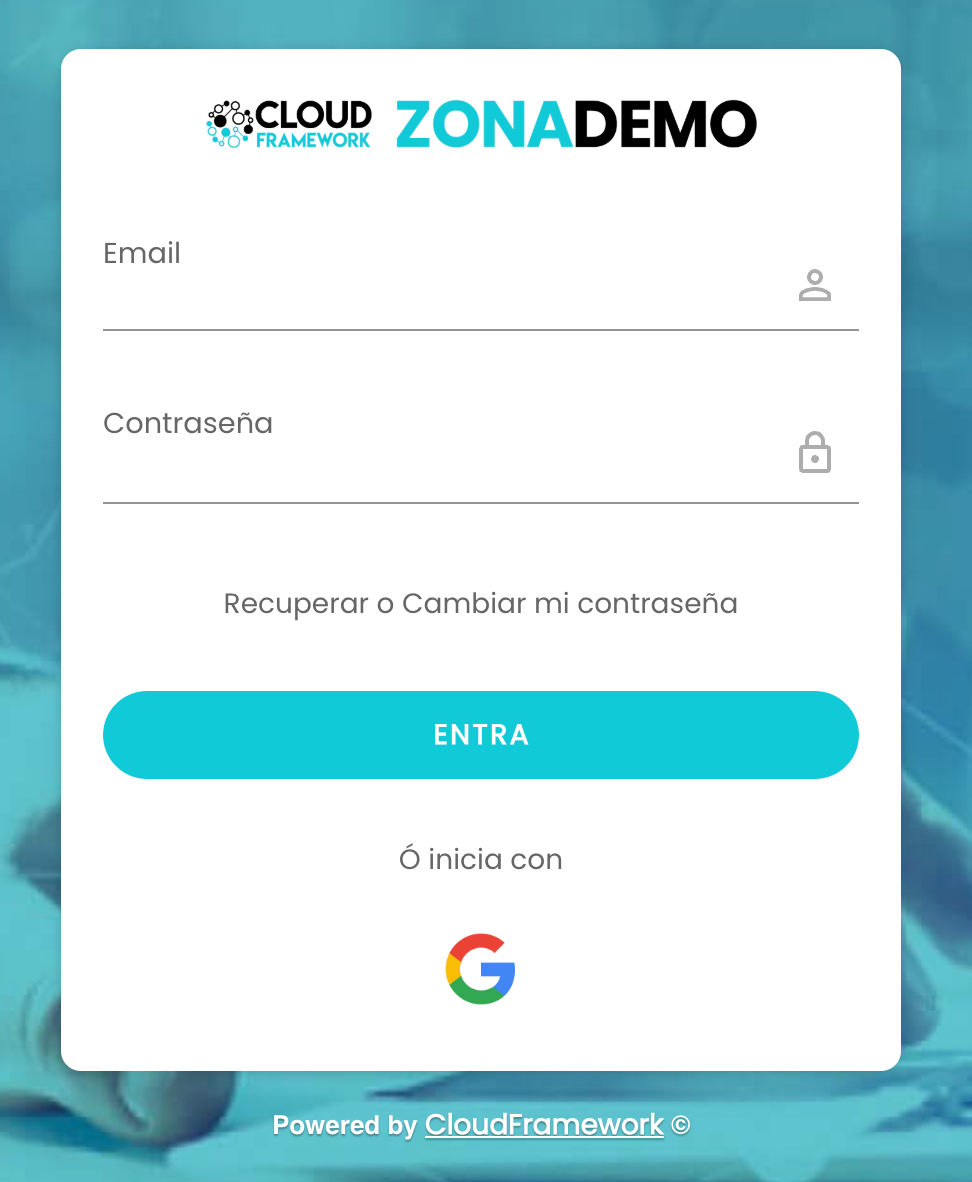
Below the button, Ó inicia con (Or sign in with) lets you sign in with a Google account.
How to recover or change your password
Section titled “How to recover or change your password”-
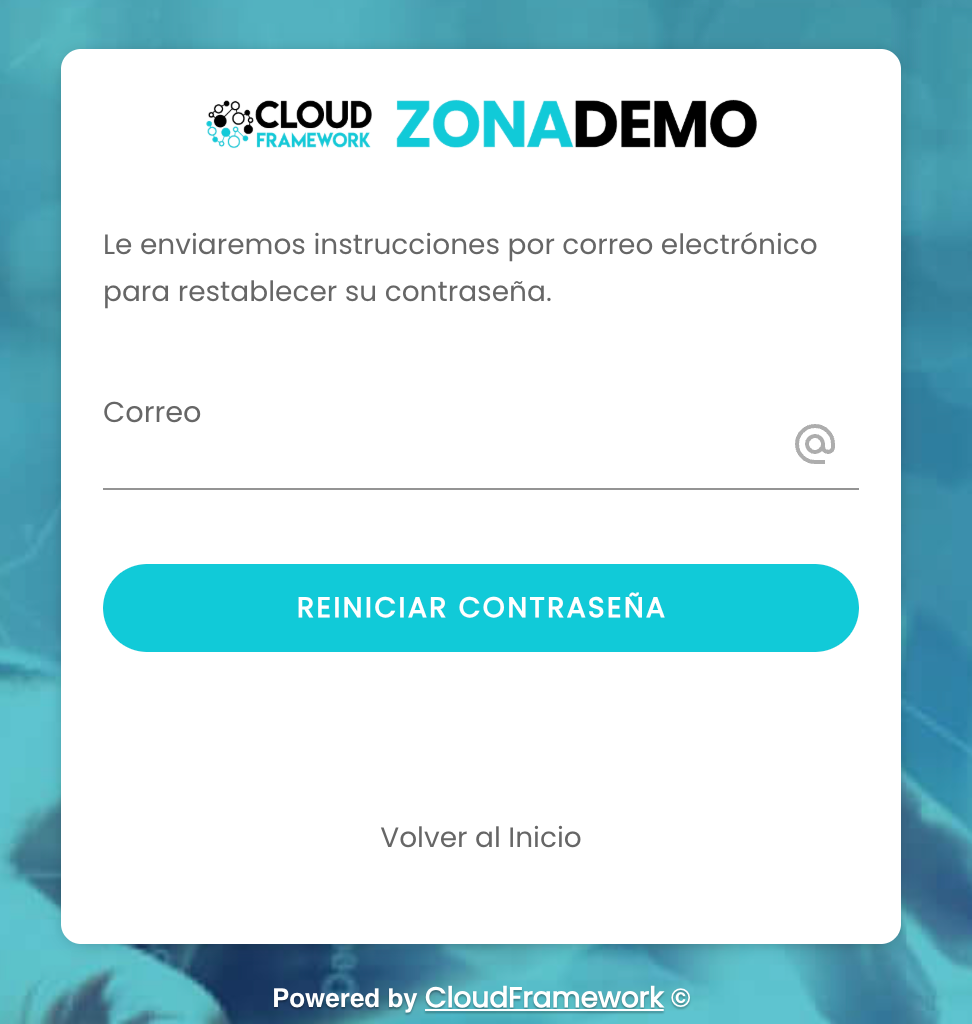
On the sign-in page, click Recuperar o Cambiar mi contraseña (Recover or change my password).
-
Enter your Correo (Email) and click Reiniciar contraseña (Reset password). You will receive the instructions to reset it by email.
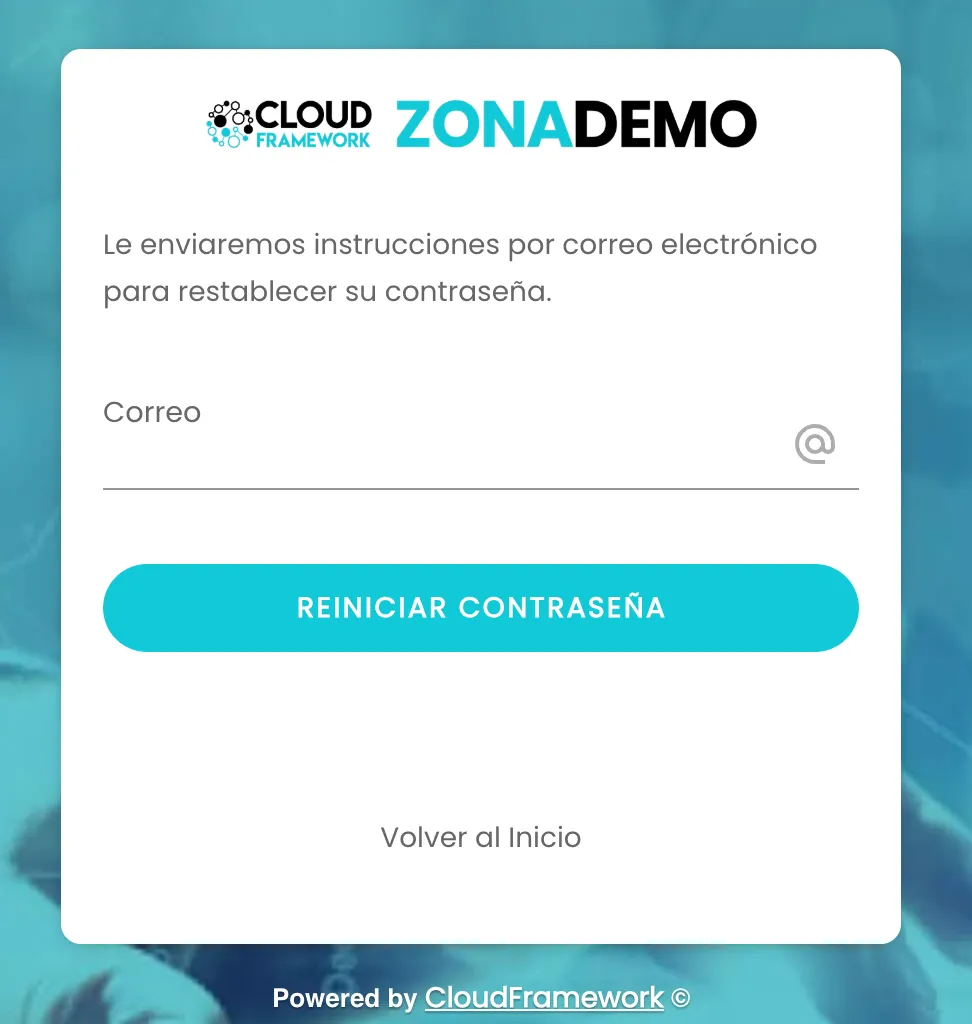
Recovering or changing the password. -
If you did not want to change it, Volver al Inicio (Back to start) takes you back to the sign-in page.
Troubleshooting
Section titled “Troubleshooting”- You do not remember your password. Use Recuperar o Cambiar mi contraseña and follow the instructions in the email.
- You do not know the portal address or which email to sign in with. Ask your organization’s HR.
Related
Section titled “Related”My dashboardThe screen you land on when you sign in.
My detailsView your details and keep them up to date.